Markdown to PDF Converter
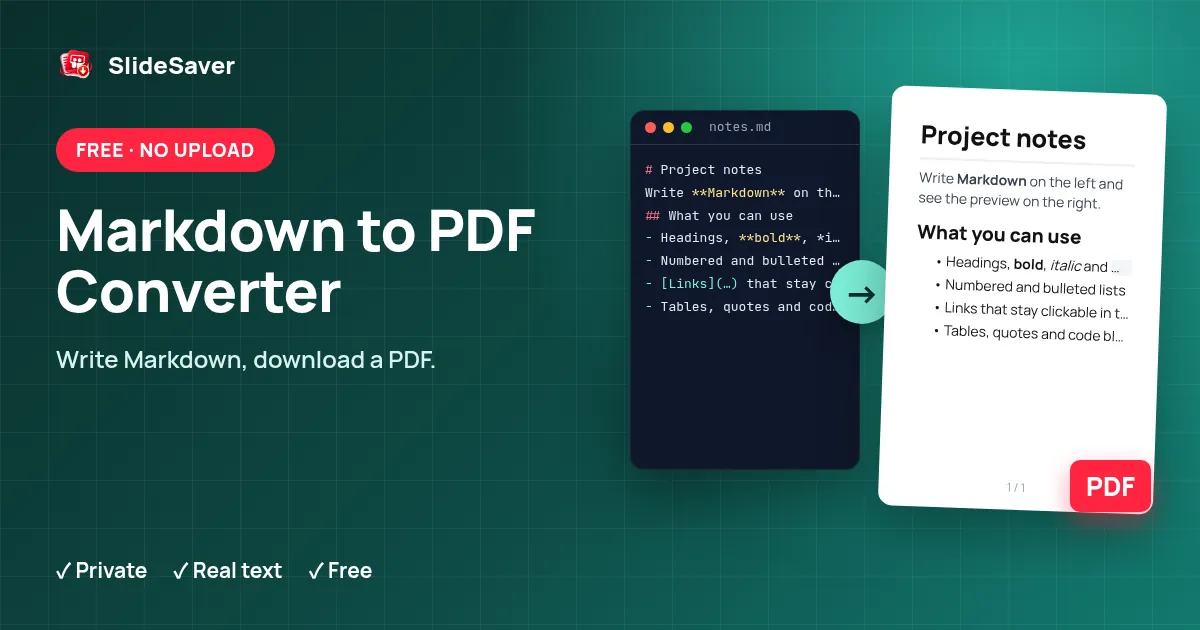
Write or paste Markdown, check the live preview, and download a clean PDF — free and private.
Preview
Download PDF creates a PDF with selectable text and clickable links using built-in Latin fonts. For emoji, Chinese, Japanese, Arabic or other scripts, Print / Save as PDF opens automatically and uses your device's fonts.
How it works
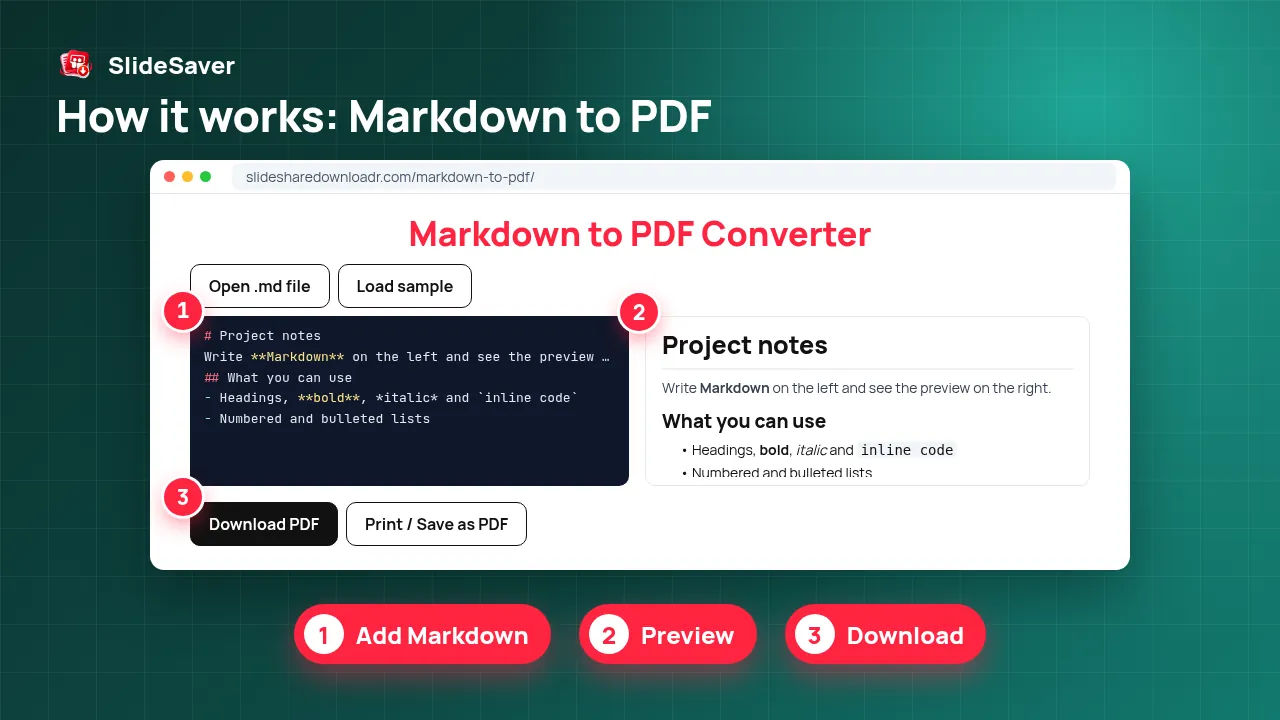
- Step 1
Add Markdown
Type, paste, drop or open a .md file.
- Step 2
Preview
See the formatted result update as you type.
- Step 3
Choose layout
Pick A4 or Letter, font and text size.
- Step 4
Download
Save the PDF or use Print / Save as PDF.
Why use this tool
Private
Your text stays in your browser — nothing is uploaded.
Real text
The PDF keeps selectable, searchable text and working links.
Free
No sign-up, no watermark, no limits.
A simple Markdown to PDF converter that runs in your browser
Markdown is great for writing — README files, notes, documentation, AI chat answers — but people you share with usually expect a PDF. This tool renders GitHub-flavoured Markdown (headings, bold and italic text, ordered and unordered lists, task lists, quotes, tables, code blocks and links) and lays it out on A4 or US Letter pages.
The preview uses the open-source marked parser, sanitised so pasted HTML can't run scripts. Download PDF builds the file with jsPDF, so text stays selectable and links stay clickable. Print / Save as PDF opens your browser's print dialog instead, which supports every language and emoji your device can display.
Good to know
Images referenced in Markdown are shown in the preview but are replaced by their alt text in the downloaded PDF — use Print / Save as PDF if you need them. Very wide tables are squeezed to fit the page. Got a PDF you want back as Markdown? Use PDF to Markdown, and for scanned files try OCR PDF.
FAQ
Is my Markdown uploaded?
No. Rendering and PDF creation happen in your browser.
Which Markdown features work?
Headings, emphasis, strikethrough, lists, task lists, block quotes, tables, code blocks, horizontal rules and links (GitHub-flavoured Markdown).
Why does the print dialog open?
The built-in PDF fonts only cover Latin characters. If your text has emoji or non-Latin scripts, Print / Save as PDF is used automatically — choose “Save as PDF” as the printer.
Can I convert a README.md file?
Yes. Press Open .md file or drop the file onto the editor.
Are images included?
The preview shows them; the downloaded PDF lists their alt text. Print / Save as PDF includes images that load in your browser.