SlideShare to PDF
Paste a SlideShare link and get a sharp, print-ready PDF named after the presentation.
Paste SlideShare Presentation URL to Download as PDF
The uploader has switched off downloads on SlideShare for this deck. Please save it only for personal study and do not share it further.
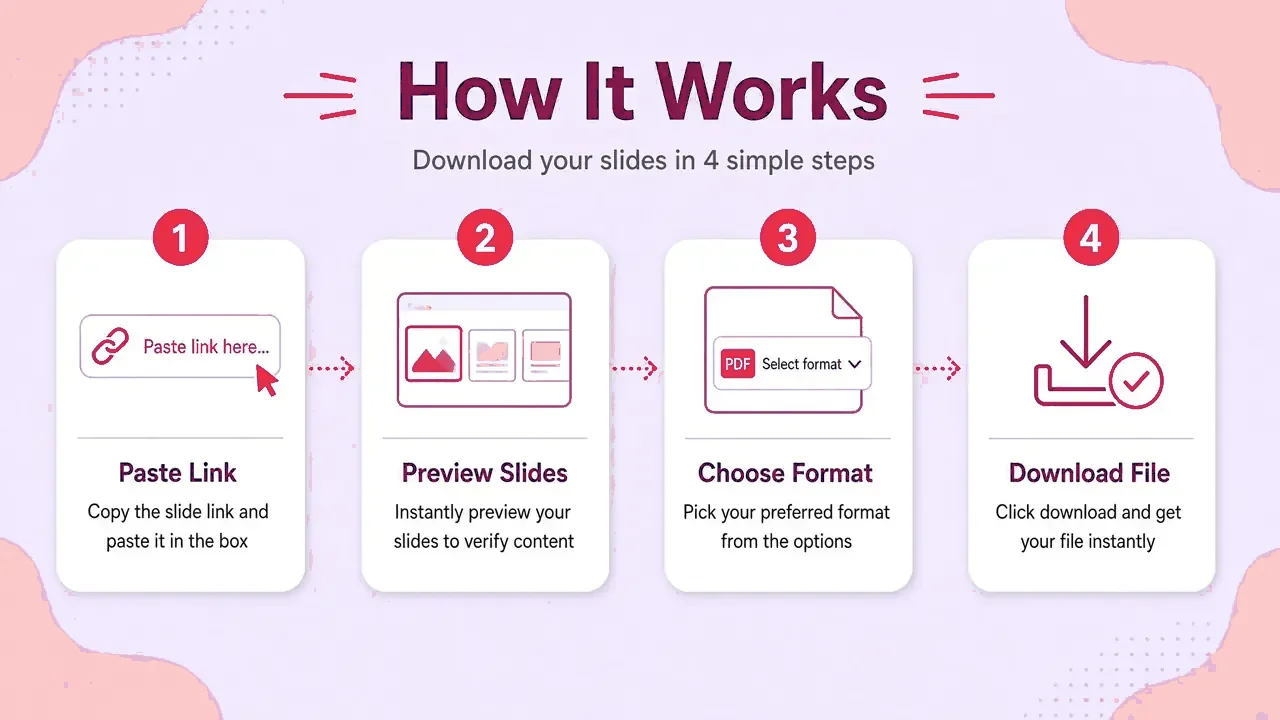
How it works
- Step 1
Copy the SlideShare link
Open the deck and copy its address.
- Step 2
Paste and press Get slides
A preview of every slide loads in a second or two.
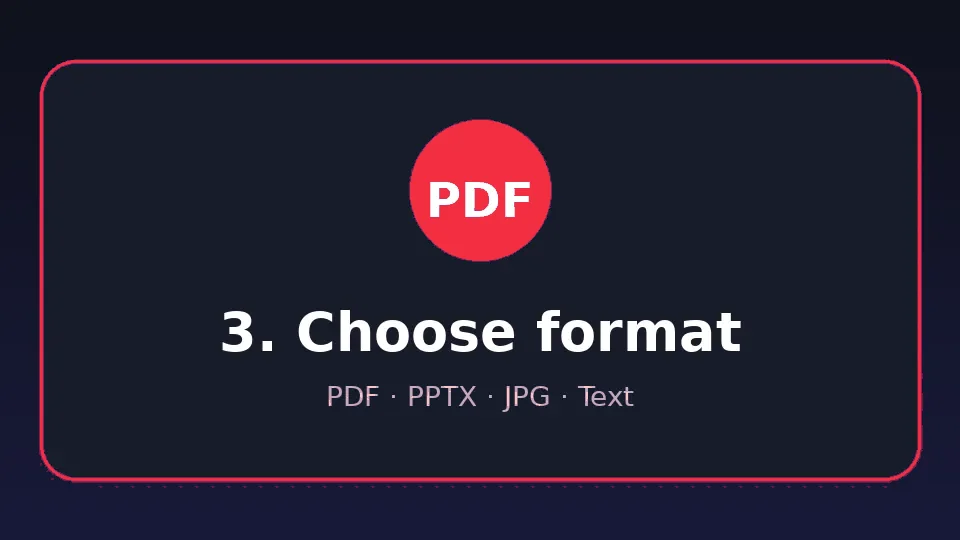
- Step 3
Choose your format
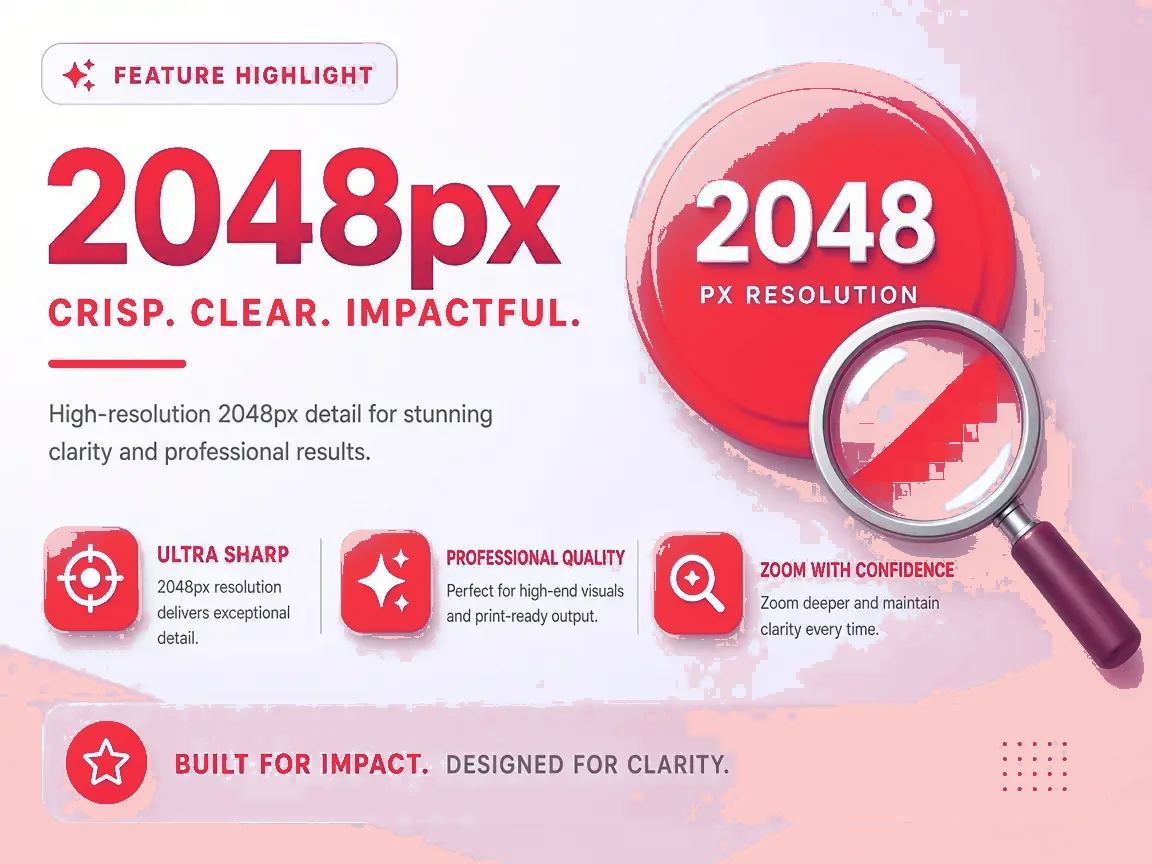
Keep all slides or pick a range. HD is on by default.
- Step 4
Save
The file is built in your browser and named after the deck.
Why save SlideShare as PDF
Read anywhere
PDF opens on every phone, tablet and computer.
Print-ready
Each slide becomes one page at its original shape.
Easy to share
One small file instead of dozens of images.
Annotate
Highlight and comment in any PDF reader.
Which format fits?
| Format | Choose it when… |
|---|---|
| You want to read, print or email it. | |
| PPTX | You want to present, reorder or add slides. |
| JPG (ZIP) | You need single slides as pictures. |
| Text | You need the words only. |
Supported links
https://www.slideshare.net/slideshow/title/123456789https://www.slideshare.net/username/title(older style)- Language and mobile versions such as
es.slideshare.net/…(handled automatically) - Embed links like
slideshare.net/slideshow/embed_code/key/…
If something goes wrong
| Problem | Fix |
|---|---|
| Private or restricted deck | Only the author can share it. |
| No slides found | Make sure the link opens one presentation. |
| Slow on mobile | Switch to SD or select fewer slides. |
| File won't open | Update your viewer app, or try another format. |
Fair use
FAQ
Is the PDF searchable?
The pages are images of the slides. Use the Text download to get the words, or run OCR in your PDF app.
What page size is used?
Each page matches the slide's own shape, usually 16:9 or 4:3.
Can I make a PDF of only some slides?
Yes. Untick slides or type a range before you download.
Is it free?
Yes, with no limit and no watermark.
Does it work on iPhone?
Yes. Save the PDF to Files or open it in Books.
Visual guide