PDF to Markdown Converter
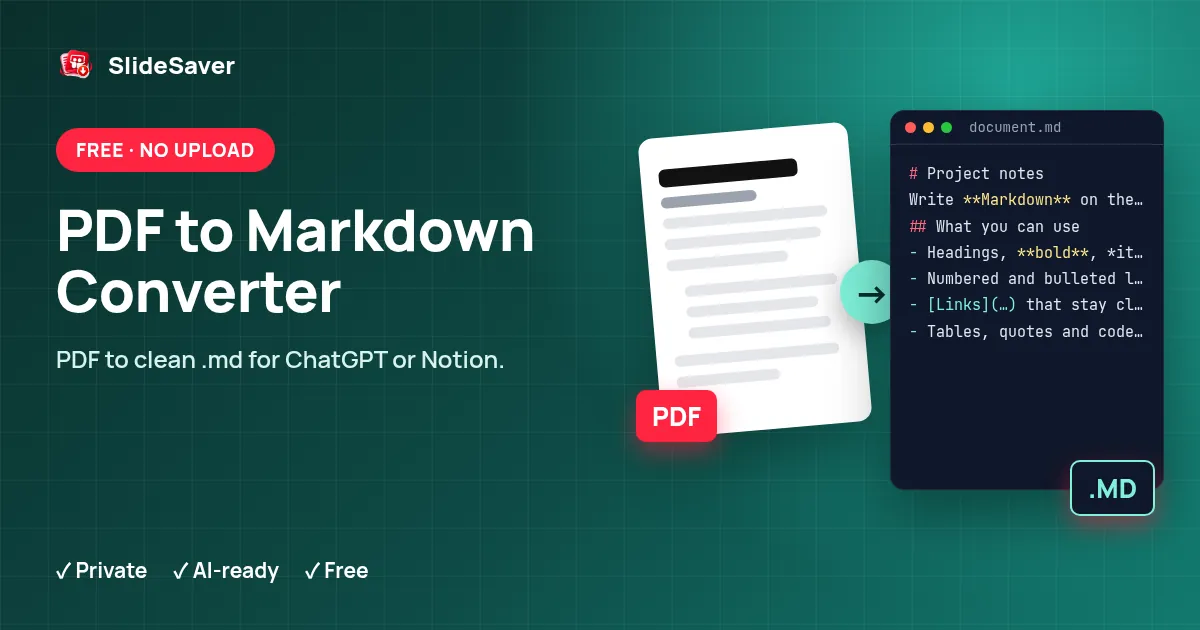
Turn a PDF into clean Markdown with headings, lists and paragraphs — free, and your file never leaves your device.
Add a PDF to convert to Markdown (.md)
Scanned PDF? Open OCR PDF to read text from page images, then paste it here as Markdown.
How it works
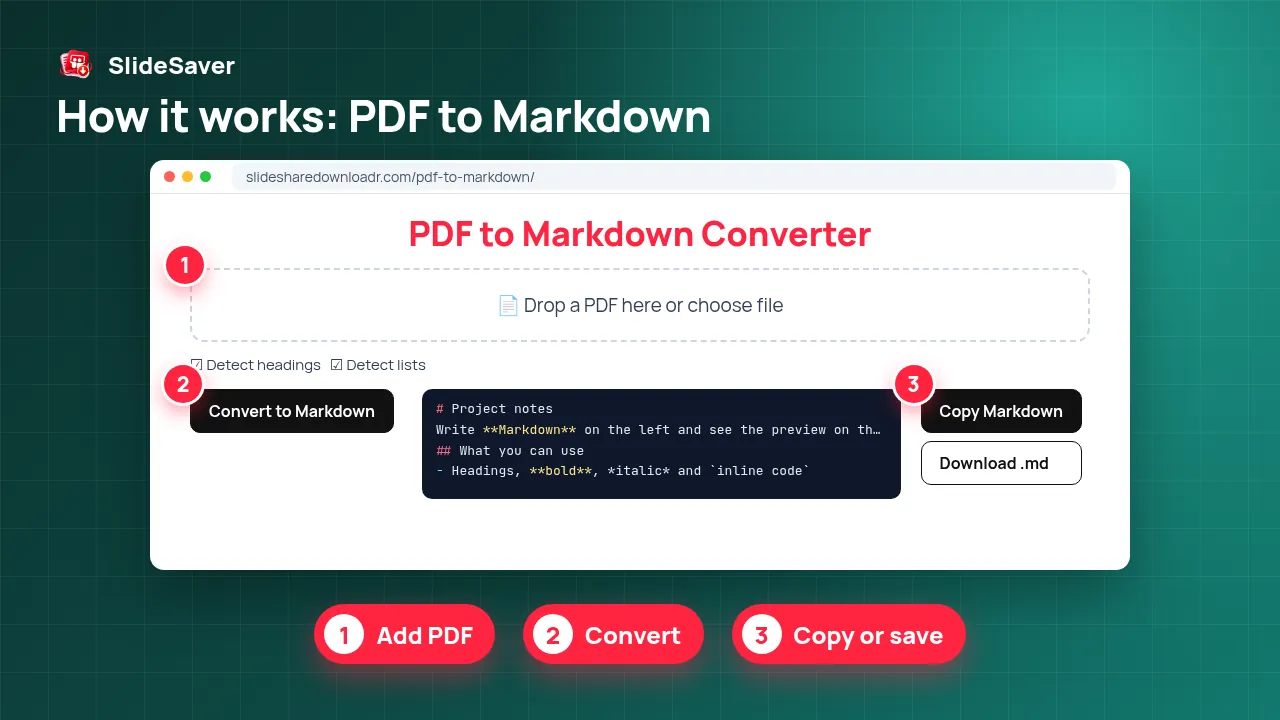
- Step 1
Add PDF
Drop a PDF or choose one from your device.
- Step 2
Pick options
Headings, lists and header clean-up are on by default.
- Step 3
Convert
Text is read and structured locally with pdf.js.
- Step 4
Copy or save
Copy the Markdown, or download .md or JSON.
Why use this tool
Private
The PDF is processed in your browser and never uploaded.
AI-ready
Markdown keeps structure, so ChatGPT and other AI tools read it better than raw text.
Free
No account, no watermark, no page limit beyond your device memory.
Convert PDF to MD for ChatGPT, Notion and Obsidian
Markdown is plain text with light formatting: # for headings, - for list items and blank lines between paragraphs. Because it keeps a document's structure without the layout noise of a PDF, it is the easiest format to paste into ChatGPT, Claude or Gemini, to import into Notion or Obsidian, or to store next to code on GitHub.
This converter reads the text layer of your PDF with Mozilla's pdf.js, then rebuilds the structure: larger or bolder lines become headings, bullet and numbered lines become lists, wrapped lines are joined into paragraphs and hyphenated words are repaired. Page numbers and running headers that repeat on every page are removed if you want.
What it handles well — and what it doesn't
Reports, articles, ebooks, lecture notes and most slide-deck PDFs convert well. Complex multi-column layouts, tables and maths may need a quick manual tidy-up: tables come out as lines of text, not Markdown tables. Scanned PDFs and image-only exports (common for SlideShare and Scribd downloads) have no text layer — run them through OCR PDF first. Need the opposite direction? Use Markdown to PDF.
FAQ
Is my PDF uploaded?
No. The conversion runs entirely in your browser with JavaScript. The file is not sent to our server.
Does it keep headings and lists?
Yes, it detects headings from font size and turns bullet or numbered lines into Markdown lists. Results depend on how the PDF was made, so give the output a quick check.
Why is the output empty?
The PDF is probably scanned or made of images, so it has no selectable text. Use our free OCR PDF tool to recognise the text first.
Can I convert PDF to JSON?
Yes. Press Download JSON to get the same content as structured blocks (headings, paragraphs, lists) per page.
Are tables converted?
Tables come out as plain lines of text. You may need to rebuild them as Markdown tables by hand.
Password-protected PDFs?
Encrypted PDFs cannot be read. Unlock them first with the password you were given.