SlideShare to JPG Images
Download each slide as a separate HD JPG, all in one ZIP, or save any single slide with one tap.
Paste SlideShare Presentation URL to Download as JPG / ZIP
The uploader has switched off downloads on SlideShare for this deck. Please save it only for personal study and do not share it further.
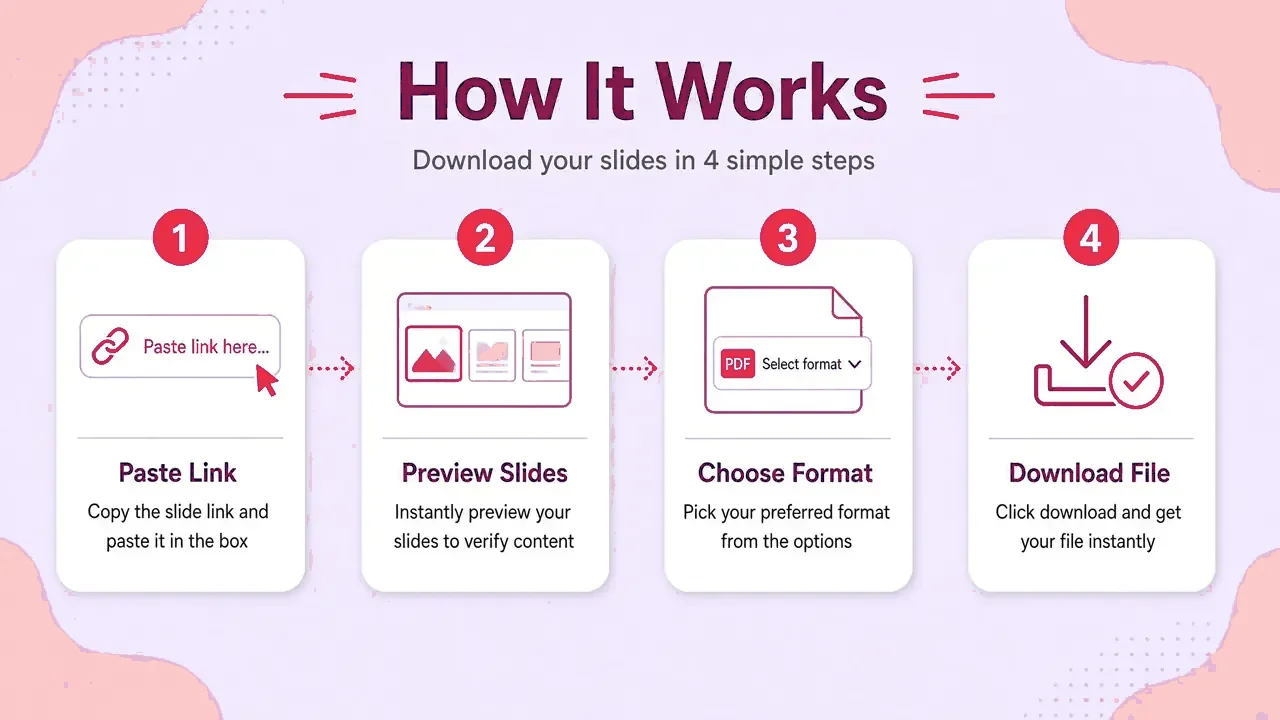
How it works
- Step 1
Copy the SlideShare link
Open the deck and copy its address.
- Step 2
Paste and press Get slides
A preview of every slide loads in a second or two.
- Step 3
Choose your format
Keep all slides or pick a range. HD is on by default.
- Step 4
Save
The file is built in your browser and named after the deck.
Why download slides as images
Design tools
Drop slides into Canva, Figma or Notion.
Video
Turn slides into a video in CapCut or Premiere.
Reports
Insert a single slide into a document.
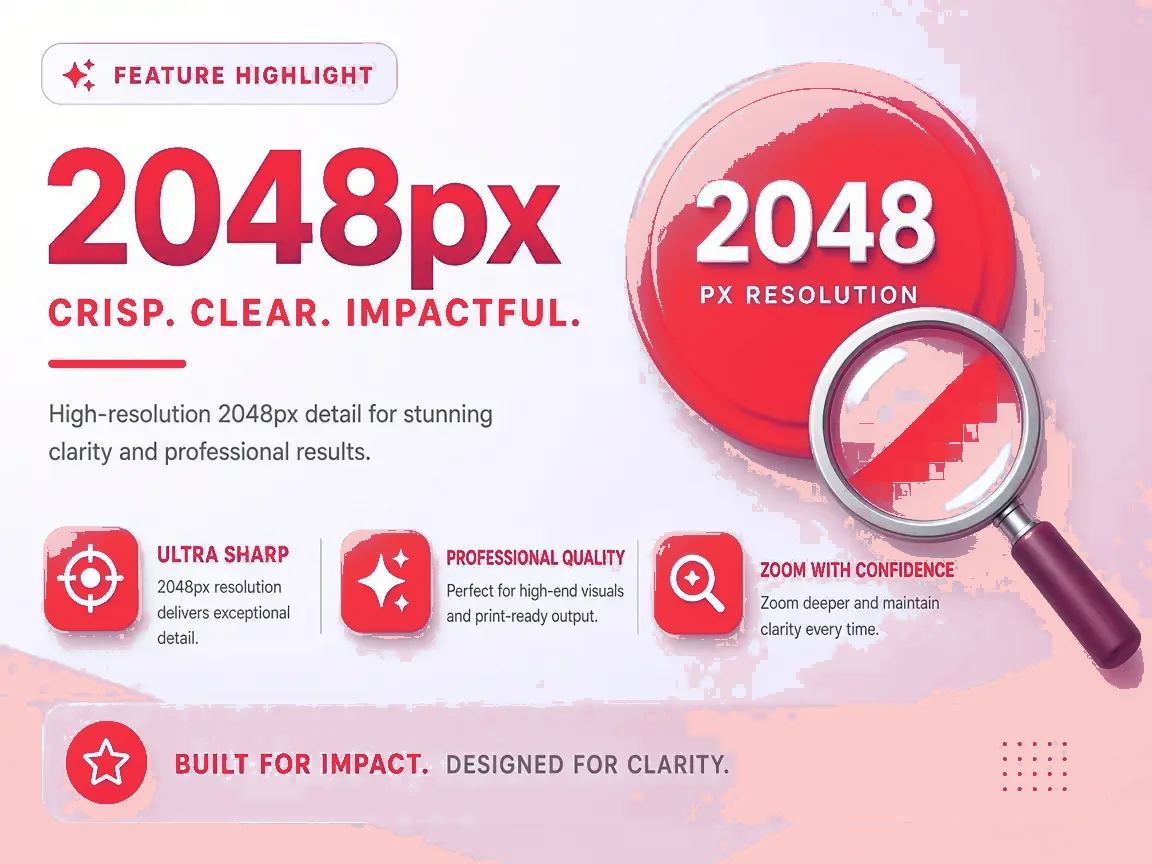
HD detail
Up to 2048 pixels wide.
Which format fits?
| Format | Choose it when… |
|---|---|
| You want to read, print or email it. | |
| PPTX | You want to present, reorder or add slides. |
| JPG (ZIP) | You need single slides as pictures. |
| Text | You need the words only. |
Supported links
https://www.slideshare.net/slideshow/title/123456789https://www.slideshare.net/username/title(older style)- Language and mobile versions such as
es.slideshare.net/…(handled automatically) - Embed links like
slideshare.net/slideshow/embed_code/key/…
If something goes wrong
| Problem | Fix |
|---|---|
| Private or restricted deck | Only the author can share it. |
| No slides found | Make sure the link opens one presentation. |
| Slow on mobile | Switch to SD or select fewer slides. |
| File won't open | Update your viewer app, or try another format. |
Fair use
FAQ
What resolution are the images?
HD is the largest SlideShare publishes, usually 2048 pixels wide. SD is about 640 pixels.
Can I get PNG?
Slides are saved as high-quality JPG, which keeps files small. Use the PNG converters if you need another format.
Can I save just one slide?
Yes. Tap JPG on any slide in the preview.
How do I open a ZIP on a phone?
Android Files and iPhone Files can both open ZIP files with a tap.
Is it free?
Yes.
Visual guide