
Help Center
Getting started
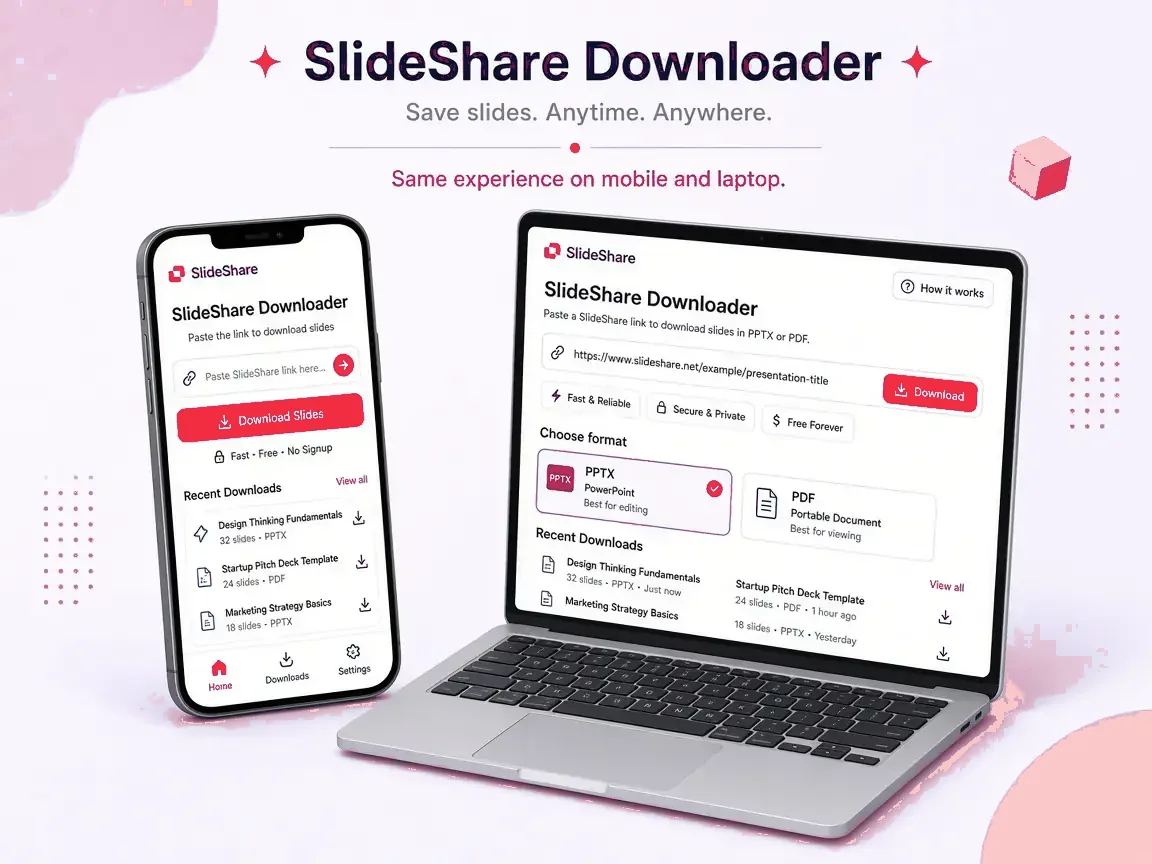
Paste a public SlideShare link into the box on the home page, press Get slides, then pick a format. Full guide: How to download.
Troubleshooting
"Please paste a SlideShare link" or "Only slideshare.net links are supported"
The link must be on slideshare.net. Shortened links from other services should be opened first so you can copy the full address.
"This presentation is private or restricted"
The uploader limited who can see it. Only they can share a copy.
"We could not find slides on that page"
The link probably opens a profile, a search page or a removed deck. Open the presentation itself and copy its link again.
"SlideShare did not respond in time" or "asked for a browser check"
SlideShare is busy or briefly limiting traffic. Wait a minute and try again.
The download starts but the file is empty or won't open
Update your PDF or PowerPoint app. On iPhone, open the file from Files › Downloads. For ZIP files, extract them first.
It's slow on my phone
Switch the quality to SD and select fewer slides, or use a computer for very long decks.
Copyright and responsible use
Use saved decks for personal study and research, credit the author, and ask before republishing. Owners can contact us under our DMCA policy.
Still need help?
Contact us and include the link you tried, your device and browser.
Troubleshooting guides
Deep dives that match the issues people search for across ranking downloaders.
Download not working
Stalls, failures and browser fixes.
URL not working
Mobile m. links, short URLs, profile pages.
Download slow
Large decks and network tips.
Private presentation
Why login-walled decks cannot be fetched.
PDF issues
Blank pages, print layout, quality.
PPT / PPTX issues
Opening files and edit expectations.
Missing slides / animations
What image-based downloads include.
Safety
Privacy and malware myths.