
You do not need an app to save SlideShare presentations on a phone. SlideSaver runs in your mobile browser, builds the file on your device and hands it to your phone’s normal download folder. Here is how it works on each platform.
Copy the presentation link on your phone
- In a browser: open the deck, tap the address bar and copy the full link.
- In the SlideShare or LinkedIn app: tap Share, then Copy link. If the app only offers to share to other apps, choose your browser and copy the address there.
Android: step by step
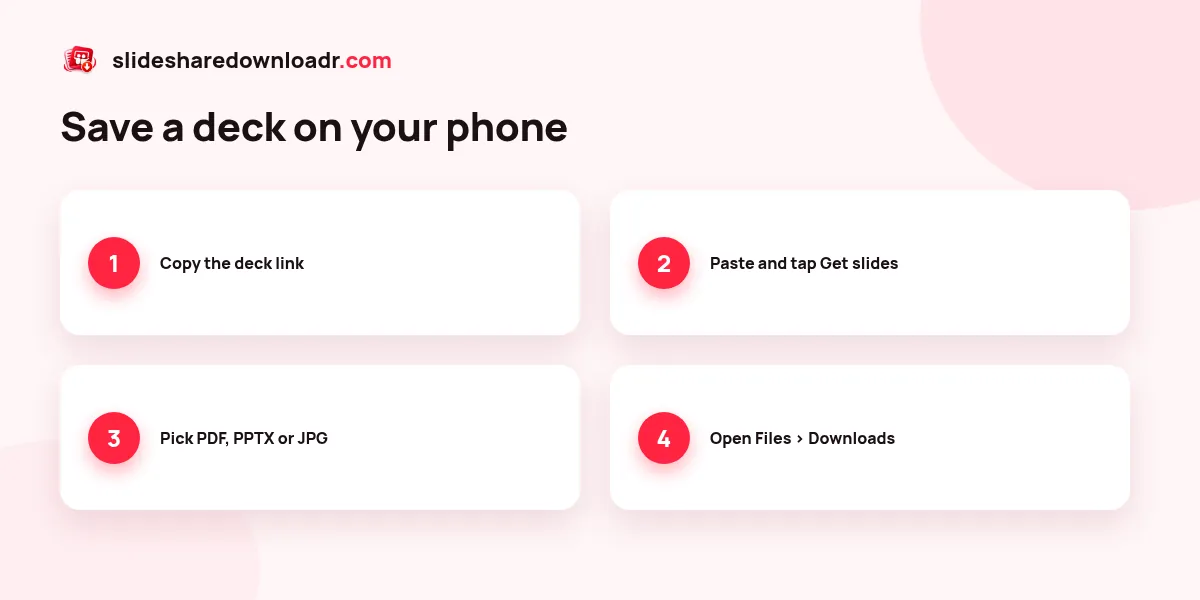
- Open SlideSaver in Chrome, Samsung Internet, Firefox or Edge.
- Paste the link into the box and tap Get slides.
- Choose PDF for reading, PPTX for editing or JPG for single images.
- When the download finishes, tap the notification or open the Files app and go to Downloads.
On Android, PDF files open in Google Drive’s viewer or any PDF reader. PPTX files open in Google Slides or Microsoft PowerPoint.
iPhone and iPad: step by step
- Open SlideSaver in Safari (Chrome and Edge on iOS work too).
- Paste the link and tap Get slides, then pick a format.
- When Safari asks, tap Download. The blue arrow in the address bar shows progress.
- Open the Files app, then Downloads (or On My iPhone › Downloads). Tap the file to open it, or use Share to send it to Books, Keynote or PowerPoint.
Tips for smooth mobile downloads
- For long decks, switch quality to SD or choose a slide range. Phones have less memory than laptops.
- Keep the screen on and stay on the page until the file is saved. Switching apps can pause the browser.
- Use Wi-Fi for decks over 50 slides to save mobile data.
- Need just one slide? Tap JPG under that slide in the preview to save it straight to your photos or downloads.
Common phone problems
If nothing happens when you tap download, check that your browser is allowed to download files and that you have free storage. If a ZIP will not open on iPhone, tap it in Files to extract it first. For other errors, see SlideShare download not working. You can also read our article about using a SlideShare downloader on mobile.
Ready? Open the mobile-friendly SlideShare downloader on your phone and paste the link.