Free PDF Tools
Merge, compress, convert and OCR PDF files right in your browser. No upload, no account, no watermark.
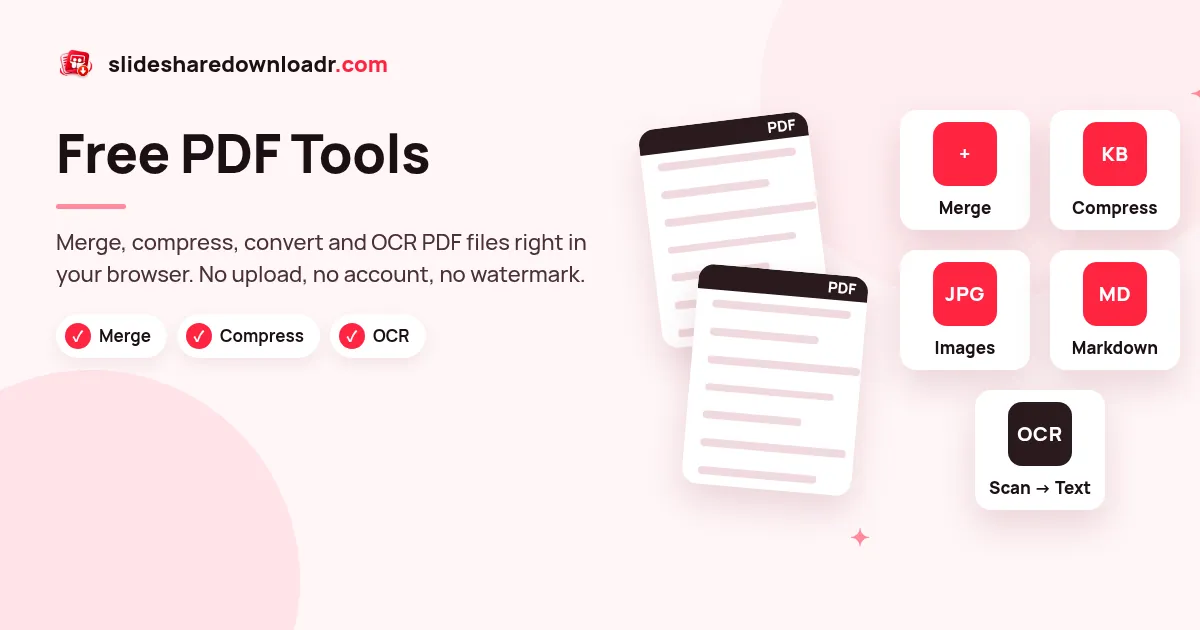
These PDF tools grew out of a simple need: once you have saved a presentation, you often want to shrink it, combine it with notes, turn pages into images or pull the text out for an AI assistant. Each tool does one job and runs on your device.
Because the work happens locally, your documents are not uploaded. That makes the tools fast on a good laptop and safe for files you would rather not share.
Tools in this collection
Merge PDF
Join several PDFs in the order you choose.
Compress PDF
Shrink large PDFs for email and uploads.
JPG to PDF
Combine photos or scans into one PDF.
PNG to PDF
Screenshots and graphics into a clean PDF.
WebP to PDF
Web images into a shareable PDF.
PPT / Images to PDF
Exported slide images into one PDF.
PDF to JPG
Each page as a JPG, packed in a ZIP.
PDF to Images
Export PDF pages as crisp images.
PDF to Markdown
Clean .md for ChatGPT, Notion or notes.
Markdown to PDF
Write in Markdown, download a tidy PDF.
OCR PDF
Make scanned PDFs searchable and copyable.
SlideShare to PDF
One print-ready PDF named after the deck.
Need the slides first? Use the online SlideShare deck saver to get a PDF of any public presentation, then come back here to edit it.
Which tool should I use?
- Several files into one: Merge PDF, then Compress PDF if it is too big to email.
- Photos or screenshots: JPG to PDF, PNG to PDF or WebP to PDF.
- Pages as pictures: PDF to JPG gives a ZIP with one image per page.
- Text for ChatGPT or notes: PDF to Markdown. If the PDF is a scan, run OCR PDF first.
- Writing a document: draft it in Markdown and export with Markdown to PDF.
Frequently asked questions
Are my PDFs uploaded to a server?
No. The PDF tools run in your browser and your files stay on your device.
Is there a file size limit?
The only limit is your device memory. Dozens of normal PDFs are fine; very large scans are easier on a computer than an older phone.
Can I edit password-protected PDFs?
Encrypted PDFs may fail. Unlock the file with its password in your PDF reader first, then try again.
Which tool makes a scanned PDF searchable?
Use OCR PDF. It recognises the text and can save a searchable PDF or plain text.