
Online Downloaders for Slides and Documents
Pick the right tool for SlideShare, Speaker Deck or Scribd and save public decks in the format you need.
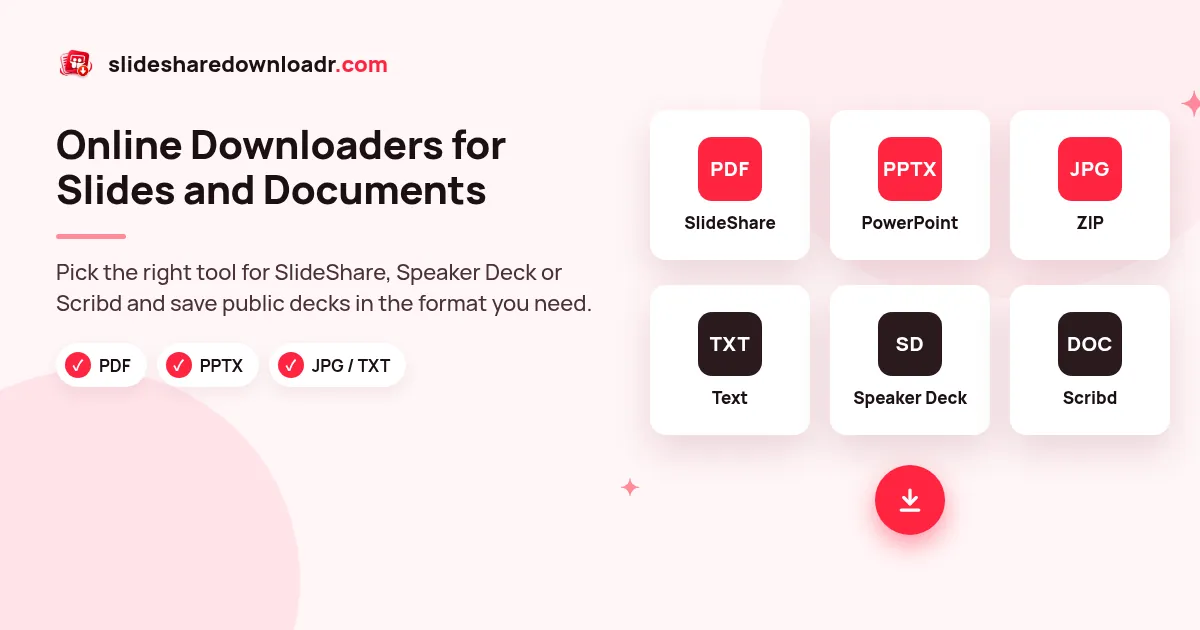
Most people arrive with one link and one goal: keep a copy of a public presentation to read offline, print or study later. Each downloader below starts from that link and builds the file inside your browser, so nothing is stored on our servers and you never need an account.
The SlideShare tools share the same engine but are tuned for a single format, which keeps the options simple. Speaker Deck and Scribd have their own pages because those sites work differently.
Tools in this collection
SlideShare to PDF
One print-ready PDF named after the deck.
SlideShare PPT Downloader
Save a public deck as a PowerPoint file.
SlideShare to PPTX
Editable slide order, text in speaker notes.
SlideShare to JPG / ZIP
Every slide as an HD image in one ZIP.
SlideShare Text Extractor
Slide-by-slide text in a .txt file.
Speaker Deck Downloader
Public Speaker Deck talks as PDF, PPTX or JPG.
Scribd Downloader
Preview public Scribd documents and save what the uploader allows.
Not sure which format you want? Start with our SlideShare deck downloader and choose PDF, PPTX, JPG or text after the preview loads.
Which tool should I use?
- To read or print: use SlideShare to PDF. One file, pages in order, easy to open on any device.
- To present or reuse slides: use SlideShare to PPTX. Each slide is a full-size image and the slide text goes into the speaker notes.
- For single slides in a report or post: use SlideShare to JPG and keep only the images you need.
- To quote, translate or summarise: use the text extractor.
- Deck is on another site: use the Speaker Deck or Scribd page.
Frequently asked questions
Are these downloaders free?
Yes. Every tool on this page is free, has no daily cap and needs no account.
Can I download private or deleted presentations?
No. Only public content can be saved. Private, restricted and removed decks stay unavailable, and we do not try to get around that.
Where is my file processed?
Slides are fetched on demand and the PDF, PPTX or ZIP is built inside your own browser. We do not keep copies of files or links.
Do the downloaders work on phones?
Yes. They run in any modern mobile browser. Our mobile guide explains where files are saved on Android and iPhone.