
Sometimes you paste a link and see that the presentation is private or restricted. It is tempting to look for a trick around that message, but there is no honest way to download a private SlideShare deck with a third-party tool, including ours. This page explains why and what you can do instead.
What “private” means on SlideShare
Uploaders can choose who sees their work. A public deck is visible to anyone with the link. A private or restricted deck is limited to the owner or to people the owner has chosen, and some decks are shown only to signed-in members. A presentation can also turn private later, or be removed entirely.
Why SlideSaver will not bypass a login
SlideSaver reads only what SlideShare shows to every visitor. We do not ask for your SlideShare or LinkedIn password, we do not use other people’s accounts, and we do not try to break access controls. Doing so would ignore the author’s choice, could break the law in many countries and would put your account at risk. Any website that claims to download private decks is either not telling the truth or asking you for login details you should never share.
Legitimate ways to get a private presentation
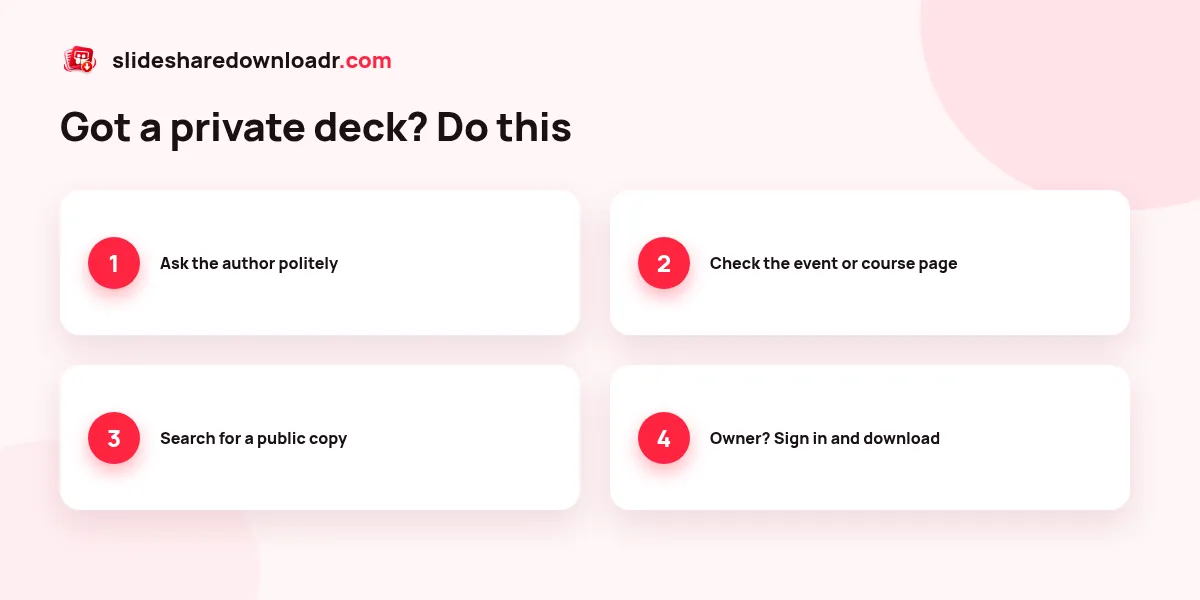
- Ask the author. Most profiles show a name or a link to LinkedIn. A short, polite message that says who you are and why you need the slides often works.
- Check the original event or course page. Conference talks and lectures are often shared as PDF on the event site, the speaker’s blog or the course platform.
- Look for a public version. Authors sometimes upload a newer public copy under a slightly different title. Search SlideShare for the title or the author’s name.
- Use your own access. If you are the owner, sign in to SlideShare and use its own download option, or temporarily make the deck public.
If the deck is public but shows as private
Occasionally a public presentation looks private because the link is incomplete or SlideShare had a brief hiccup. Open the deck in a private browser window. If you can see the slides without signing in, copy that address and try again. If you cannot, the deck really is restricted.
Respecting authors when a download works
Even for public decks, copyright stays with the author. Keep saved slides for personal study, credit the author when you quote them and ask before republishing. Our legal guide and the article on public vs private decks go into more detail.
For any deck that is public, our public SlideShare downloader saves it as PDF, PPTX or JPG in seconds.