
Why GTA 6 fans save presentations
Not every great GTA 6 resource lives in a video or a wiki. A lot of the most careful work is shared as slides: a streamer's pre-show notes, a student's marketing analysis, a community map project with labelled districts, or a frame-by-frame trailer breakdown. Slides are easy to skim, easy to quote and easy to bring to a discussion.
The problem is that online decks move. Authors rename them, update them when new information appears, make them private or delete them. If a deck helped you, saving a personal copy means you can read it on a plane, compare it with a newer version, or open it during a stream without hunting for the link again.
What kind of GTA 6 decks you will find
Search a public presentation site for GTA 6 and you will usually see a mix like this:
- Map breakdowns. Fan-drawn layouts that compare trailer shots with real-world places. Treat them as theories, not as the official map.
- Trailer analyses. Slide-by-slide notes on what appears in official trailers, often with timestamps.
- Guides and checklists. Pre-launch prep such as which earlier games to replay, platform questions to watch, or a list of things to try on day one.
- Marketing and business case studies. Students and analysts use the series to explain hype cycles, community building and launch strategy.
- Creator planning decks. Content calendars, thumbnail ideas and episode outlines for channels that cover the game.
Quality varies a lot. A good deck says where each claim comes from and marks guesses clearly. Until Rockstar Games confirms something, things like a release window, a price or a feature list are rumours, however confident a slide sounds.
Save a public deck in under a minute
Our tool works with any presentation that is publicly visible on SlideShare. You don't need an account or an app:
- Copy the link. Open the deck and copy the address from the browser bar or the Share button.
- Paste it. Go to the tool to save public SlideShare decks offline, paste the link and press Download. A preview of every slide loads.
- Pick slides and quality. Keep every slide or type a range such as 5-18 if you only need the map section. HD is on by default.
- Choose a format and save. PDF, PPTX, JPG (ZIP) or plain text. The file is built in your browser and named after the deck.
If you want the full walkthrough with every option explained, read our step-by-step guide to downloading SlideShare presentations.

PDF, PowerPoint or images: which one to pick
The same deck can serve very different jobs, so pick the format for what you will do next:
- PDF is best for reading and keeping. It opens on any phone, tablet or e-reader, keeps the slide order and is easy to search if the slides contain real text. Good for trailer analyses and long guides.
- PPTX is best when you want to present or remix. With SlideShare to PowerPoint you get a file you can reorder, cut down or add your own slides to, and the slide text is copied into the speaker notes. Useful for a stream segment or a class presentation.
- Images (JPG) are best for single slides. Saving slides as JPG images gives you each slide as a separate HD picture in a ZIP, so you can drop one map slide into an editing timeline, a notes app or a moodboard.
Still unsure? Our comparison of PDF and PPTX goes into more detail.
Build a tidy GTA 6 library
Ten decks are easy to manage. Fifty are not. A few habits keep your collection useful:
- One folder per topic: Maps, Trailers, Guides, Case studies and Creator notes.
- Name files with a date: for example
2026-11 map-theory-coastline (author).pdf. When a newer version of the same deck appears, you can see at a glance which one is current. - Keep the source link in a small text file in each folder, so you can credit the author and check for updates.
- Merge related decks into one reading file with Merge PDF, for example every trailer analysis you trust.
- Shrink big files before you move them to your phone with Compress PDF. Image-heavy map decks can get large.
More free converters for slides and documents are collected on our presentation tools page.
Tips for streamers, students and creators
- Streamers: open the PDF in a second window during a watch-along instead of switching tabs to a website. Show the author's name on screen when you discuss their slides.
- Students: a case study about game marketing is a real academic topic. Cite the deck like any other source and keep your offline copy in case the link changes before your work is graded. Our SlideShare guide for students has more study tips.
- Video creators: use single JPG slides as references while you write, but make your own graphics for the final video. Re-uploading someone else's slides as your content is not fair to them.
- Community moderators: keep an archive of the decks your group relies on, and link to the original when you share them.
Stay safe: rumours, leaks and fake downloads
Popular game titles attract scams. Keep these rules in mind:
- Presentations are not game files. A deck can contain notes and pictures, never the game. Any site that offers an early copy, a "beta" or a mod pack through a slide link is a red flag.
- Do not hunt for leaked material. Stick to decks that discuss public, official material. We don't help with leaked builds, files or footage.
- Check the date. An older deck may describe rumours that later turned out to be wrong. Your dated filenames make this easy.
- Only save what is public and keep copies for personal use. If an author turned off downloads, respect that and don't share the file further.
A note on independence
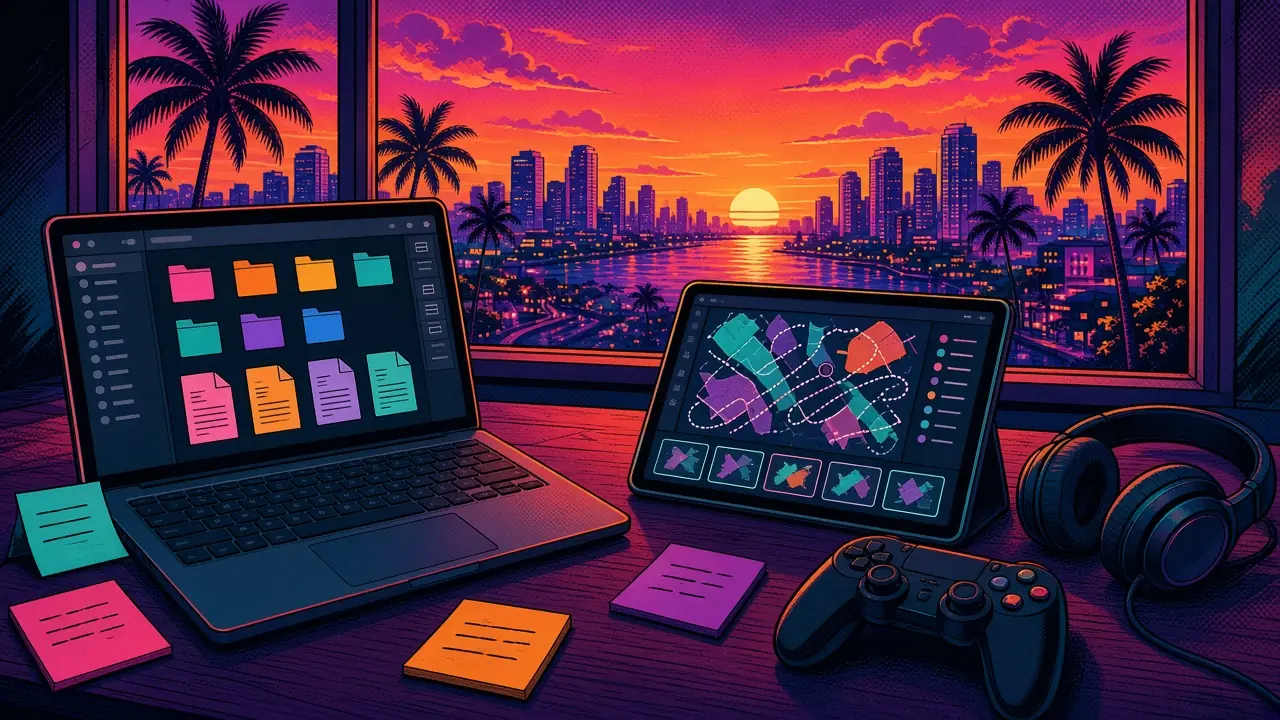
SlideSaver is an independent tool. It is not affiliated with, endorsed by or sponsored by Rockstar Games, Take-Two Interactive or SlideShare. Grand Theft Auto and GTA are trademarks of their owners and are mentioned here only to describe the topic of fan-made presentations. The illustrations on this page are original artwork with no official art, logos or game characters, and nothing here should be read as an official announcement about the game.
FAQ
Can I download GTA 6 guides from SlideShare for free?
Yes, if the presentation is public. Paste its link into SlideSaver and save it as PDF, PPTX, JPG images or text. There is no account, fee or watermark.
Which format is best for a GTA 6 map breakdown?
Use JPG images if you want single map slides for notes or editing, and PDF if you want to read the whole deck in order. Pick PPTX only if you plan to present or rework it.
Can I download the GTA 6 game or leaks with this tool?
No. SlideSaver saves public presentations, which are slides with text and pictures. It cannot download games, and we do not support sharing leaked material.
Is the information in fan presentations official?
Not necessarily. Fan decks often mix confirmed details with theories. Treat release dates, prices and features as unconfirmed until Rockstar Games announces them.
Is SlideSaver connected to Rockstar Games?
No. SlideSaver is an independent site and is not affiliated with Rockstar Games, Take-Two Interactive or SlideShare.